
Clarilog KB Connector
Connector Configuration
The FAQ connector transforms your knowledge in Clarilog into intelligent conversational answers, allowing users to get help 24/7 without going through the traditional service desk.
| Field name | Format / Type | Required | Comment |
|---|---|---|---|
| External URL of the Clarilog instance | URL | ✅ | Format: https://XXX.one-clarilog.com/ |
| Application ID (optional) | Identifier | ➖ | Optional |
| Application token | Token | ✅ | Generated from the personal access keys |
| Language | Free text | ✅ | Language of the Clarilog knowledge base being queried |
💡 Fields marked ✅ are required for the connector to work.
Setup
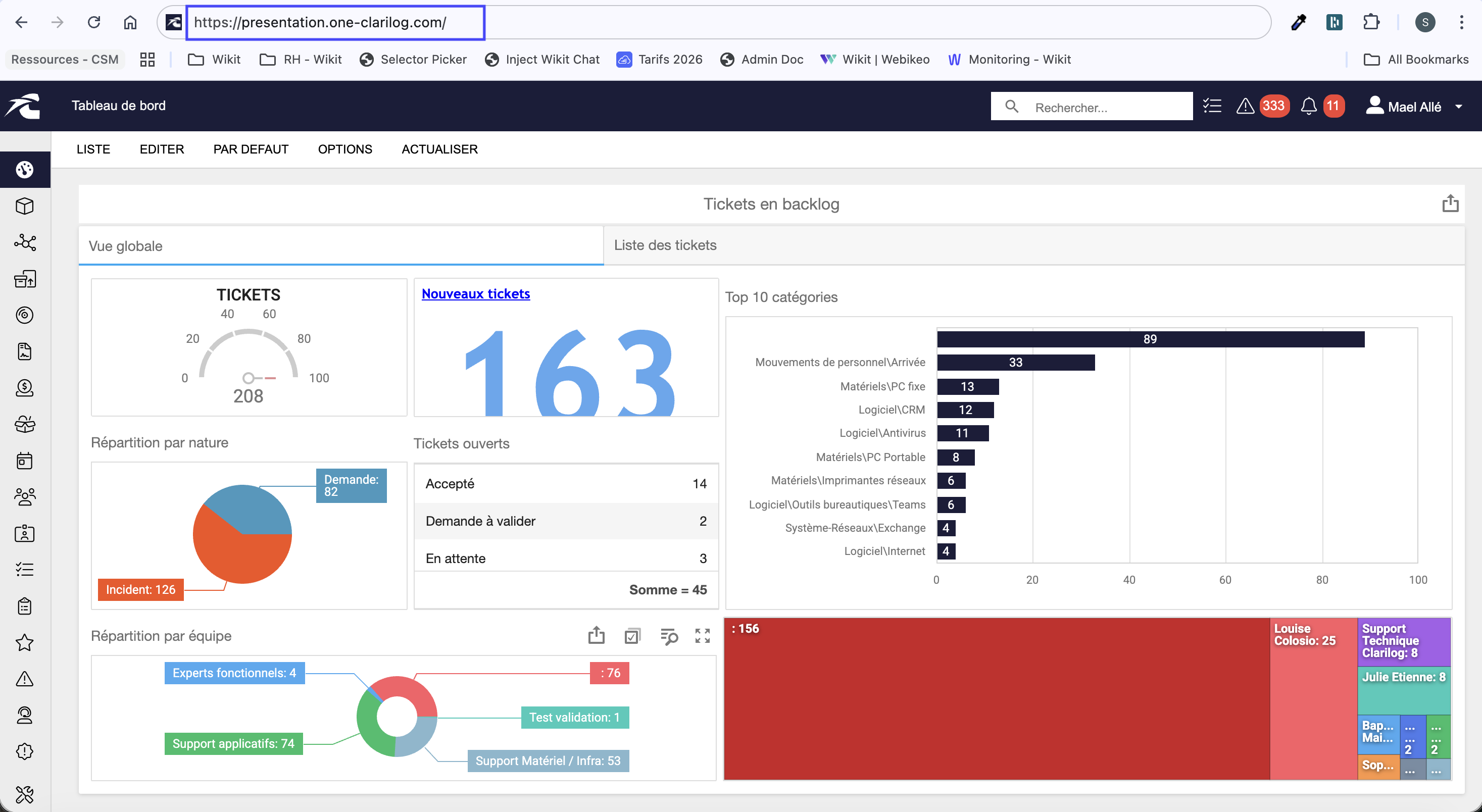
Finding the external URL:
To find the external URL, simply go to the login page and copy/paste the URL available in your browser directly into the Wikit Semantics connector configuration as shown below:
Generate the authentication token or API token:
To do this, simply go to the Administration menu (1) → Security (2) → Personal access keys (3):
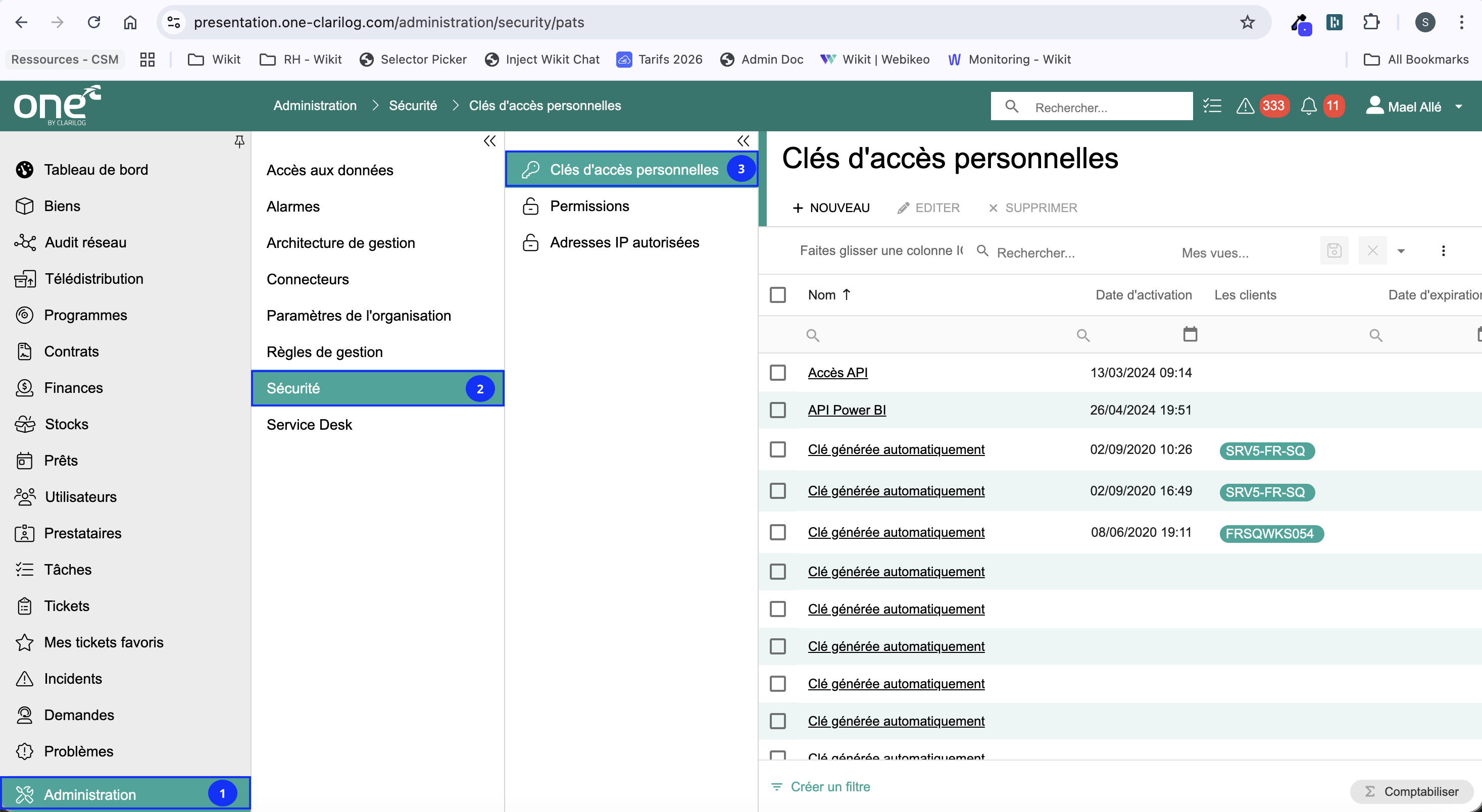
Once you access this menu, you can click on New → give it the name you want and save. You can now retrieve the token in the field of the same name.