iTop KB Connector
Connector Configuration
The FAQ connector transforms your knowledge in iTop into intelligent conversational answers, allowing users to get help 24/7 without going through the traditional service desk.
| Field name | Format / Type | Required | Comment |
|---|---|---|---|
| Webservices URL | URL | ✅ | Format: https://{{path}}/webservices/rest.php?version={{version}} |
| Wikit user (login/password) | Free text | ✅ | User with a WIKIT Employee Number dependent on the organization, with the REST SERVICE profile |
💡 Fields marked ✅ are required for the connector to work.
Setup
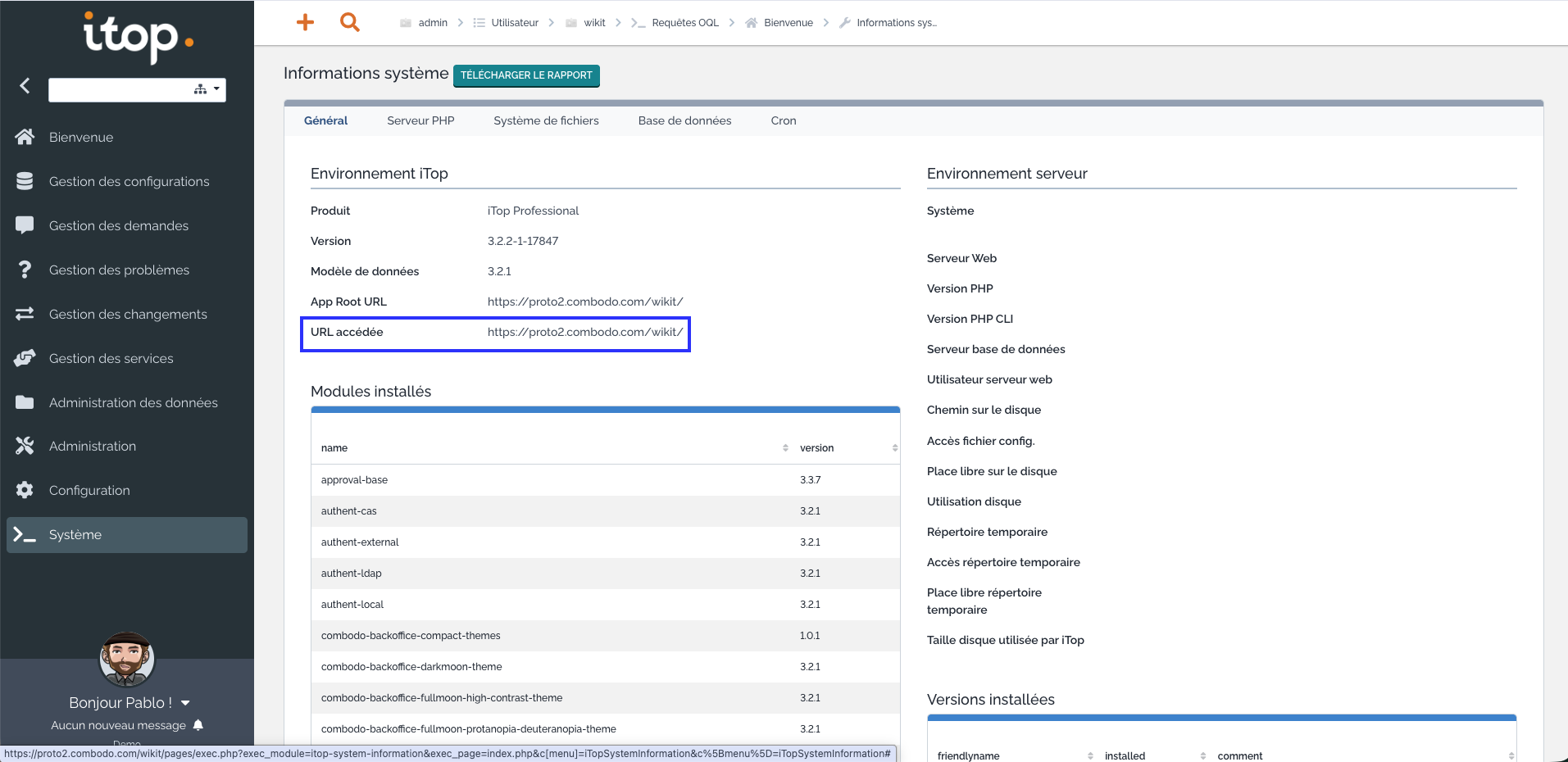
Finding the webservices URL
To find the webservices URL, you can go to the System Information tab:
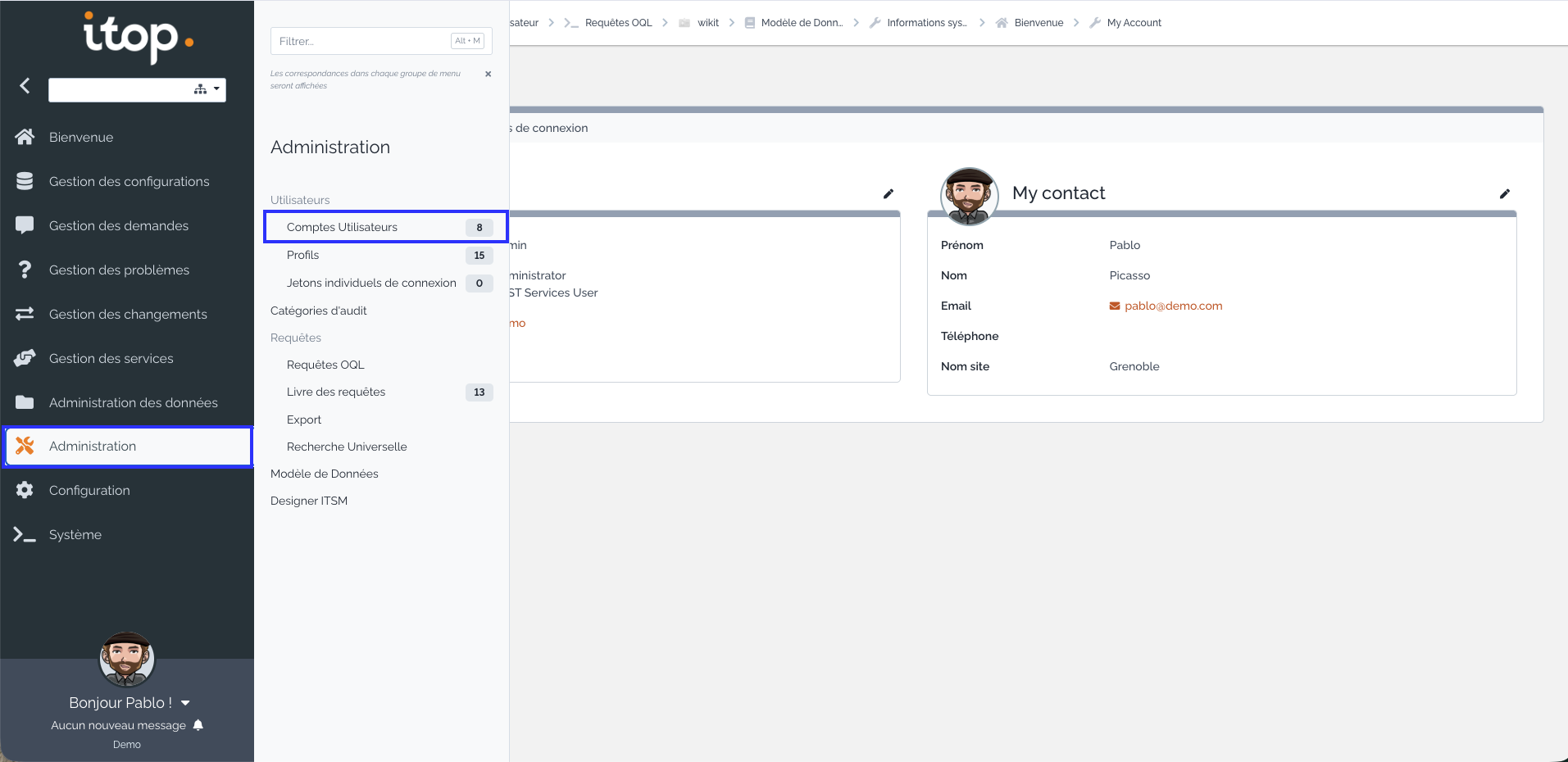
Creating a Wikit user
To create a Wikit user, go to the Administration menu then click on User accounts:
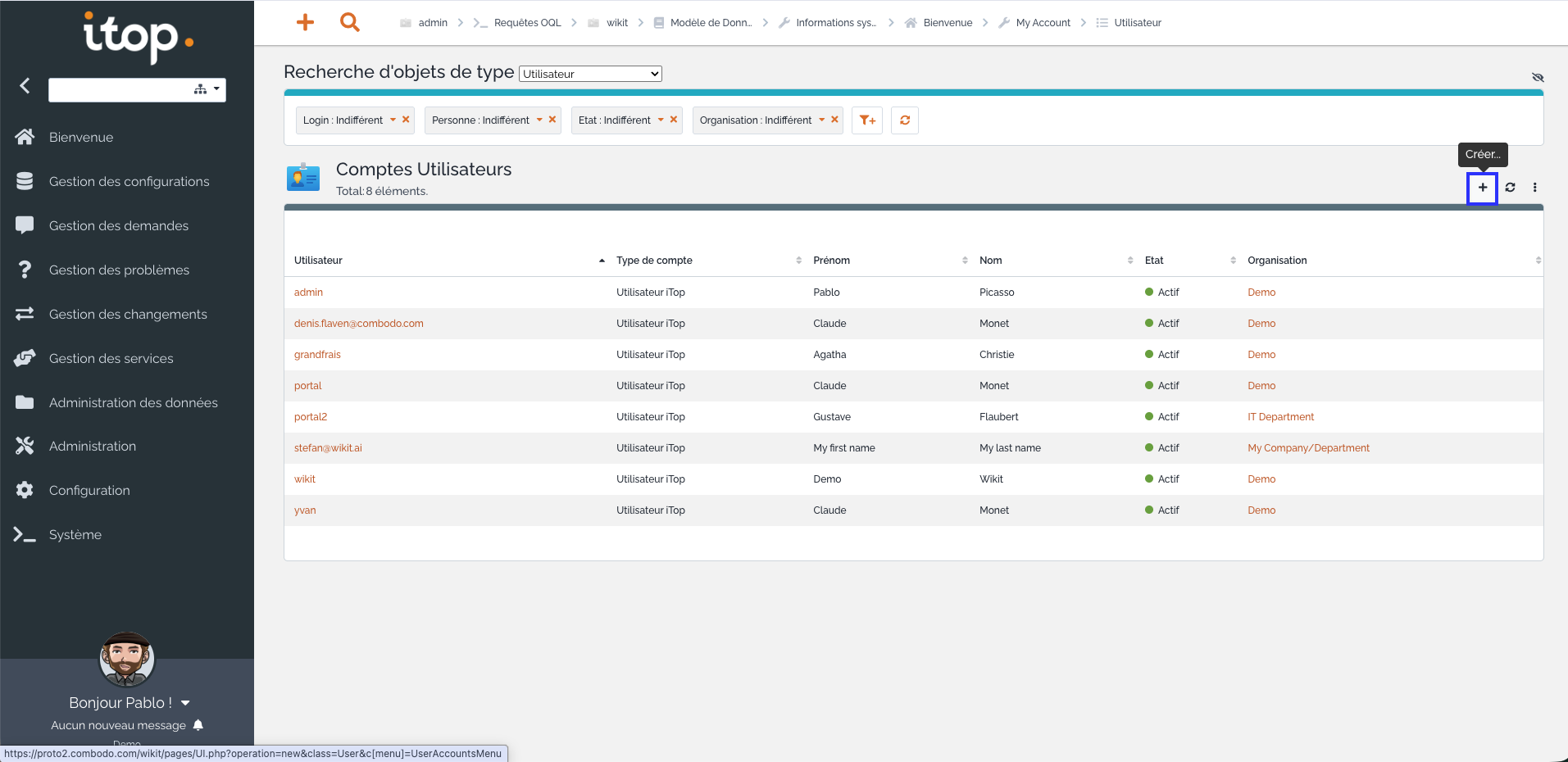
Then, click on the + button:
Activating the REST SERVICE profile on the Wikit user
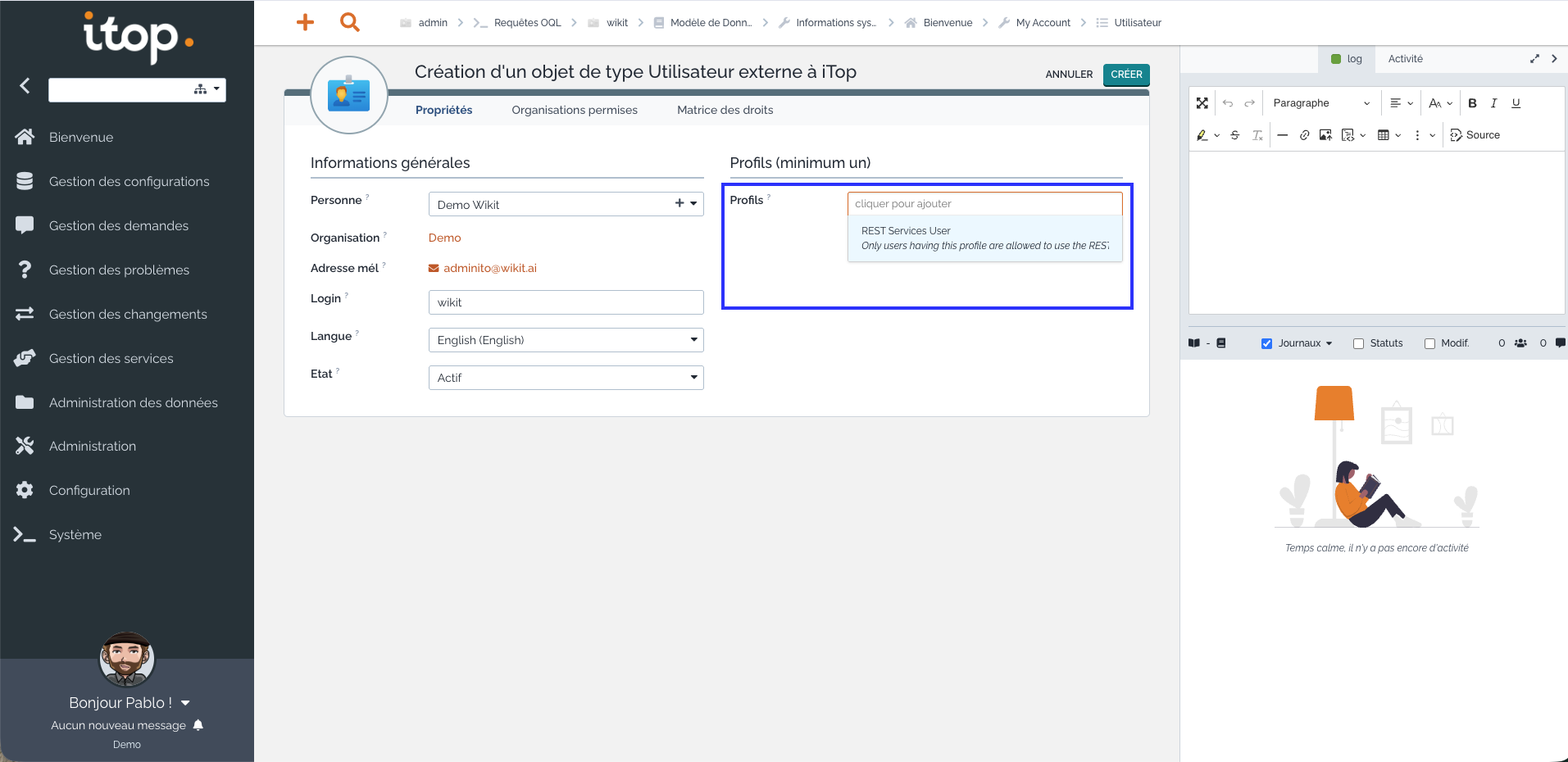
Once you have clicked the create button and filled in the Wikit user's information, select the REST SERVICE profile to assign to it from the dropdown list: